How to update your personal info in Orchly
Update the name and email on your Orchly account from the Personal Info settings tab.
Updated on June 13, 2026
Personal Info is the small set of settings that are about you, not your workspace. It’s where you update the name your teammates see and check the email tied to your account.
You’ll find it under Settings → Personal Info.
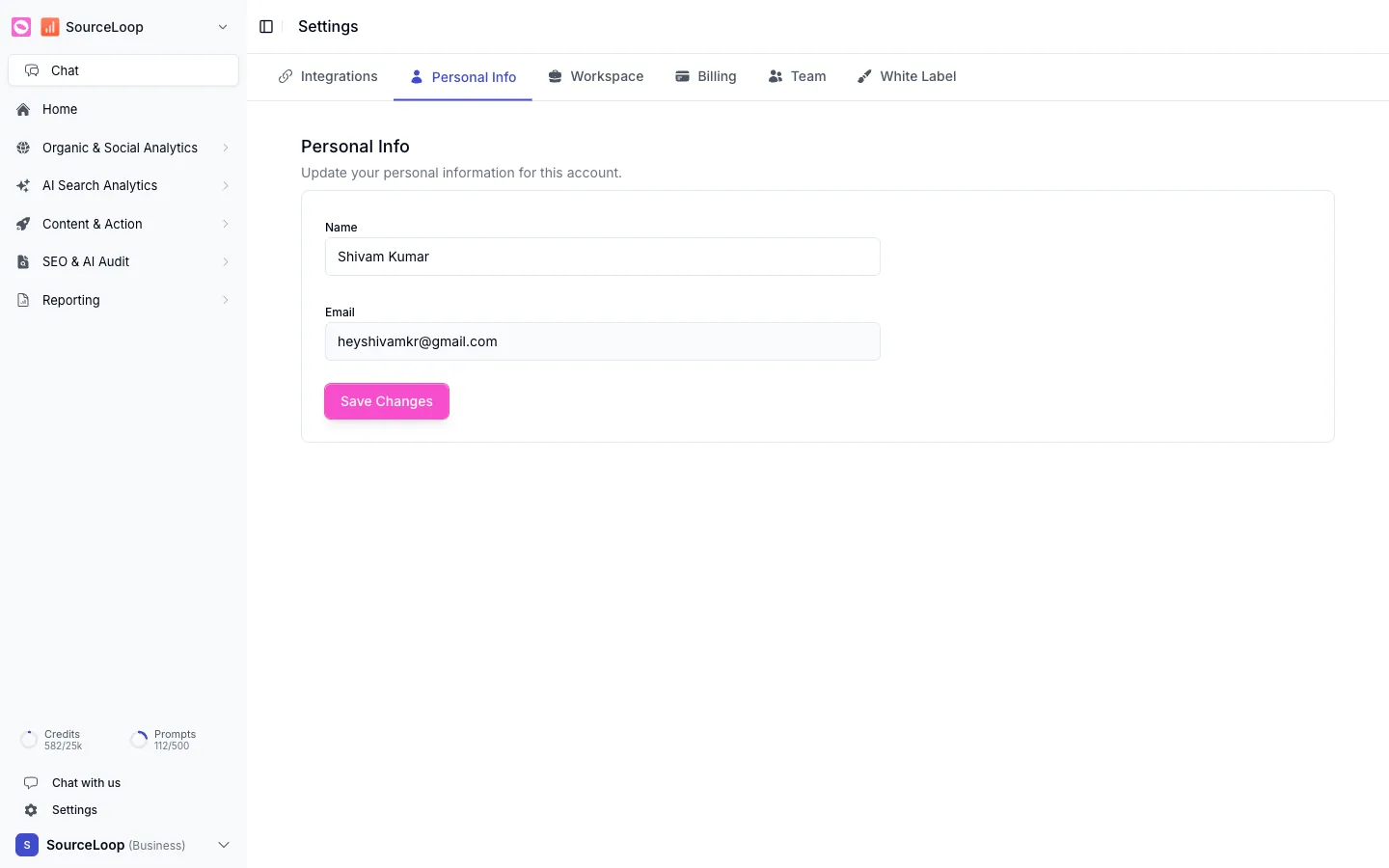
What you can change
- Name. How you appear to teammates across the workspace. Update it and click Save Changes.
- Email. The address tied to your account. This is the email you sign in with, so it’s shown for reference.
Signing in with Google
If you signed up with Google, you log in through Google rather than a password in Orchly, so there’s no password to change here. Manage that from your Google account.
Still need a hand?
Reach the team from inside the app, or get started free.