What is Orchly and how it works
Orchly tracks your brand across Google and AI search, then runs agents that fix and grow your visibility. Here is how the platform fits together.
Search used to mean Google. Now your buyers also ask ChatGPT for recommendations, research in Perplexity, and read AI Overviews before they ever click a link. Your brand is either part of those answers or it is invisible in them.
Orchly is one platform for both worlds. It tracks how visible you are across Google and the major AI engines, shows you exactly where you are winning and losing, and runs agents that write, optimize, and fix your content so that visibility actually goes up.
If you just want to get set up, jump to the 10-minute quick start. This page explains the bigger picture first.
The problem Orchly solves
Most teams measure search in pieces. Rankings live in one tool, Search Console in another, and AI mentions are not measured at all because no traditional tool looks inside ChatGPT or Perplexity.
Orchly pulls all of it into one place and then closes the loop. Instead of just reporting a problem, it can act on it:
- It tracks your presence in Google and AI search.
- It shows which prompts, pages, and keywords drive that presence.
- It acts through agents that draft content, fix pages, and publish.
How the platform fits together
Orchly is organized into a few groups of features. You do not need all of them on day one, but it helps to know the map.
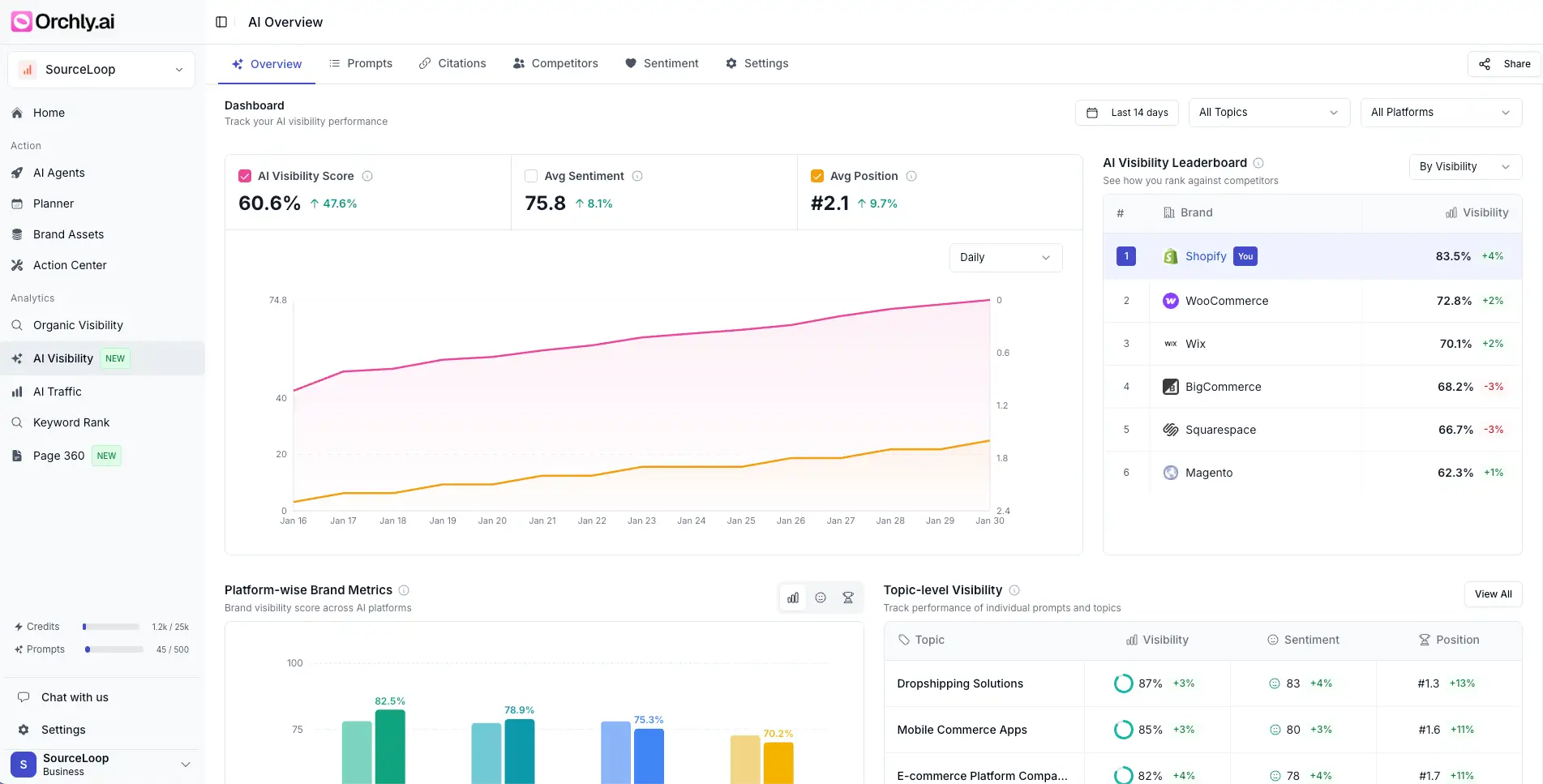
| If you want to know | Look here |
|---|---|
| How often AI engines mention you | AI visibility |
| Whether your products show up in AI shopping answers | Shopping visibility |
| Where people talk about you on Reddit and YouTube | Social listening |
| Which AI bots crawl your site and what they send back | AI traffic analytics |
| Your clicks, impressions, and keywords from Google | Organic search |
| Your Google ranking positions over time | Rank tracker |
| Problems on your pages, fixed automatically | Pages and auto-fix |
| AI workers that write and publish for you | Agents |
Workspaces, brand, and agents
Three ideas show up everywhere in Orchly, so they are worth learning early.
- Workspaces keep each brand or client separate. Every workspace has its own data, integrations, and agents. Agencies usually run one workspace per client.
- Your brand profile tells every agent who you are, who your competitors are, and how to write. You fill it in once and the whole product uses it. See set up your brand profile.
- Agents are AI workers that use your data and connected tools to get real work done, on demand or on a schedule. See what are Orchly agents.
Where to go next
- Run the quick start to create your workspace.
- Connect Google Search Console so your organic data flows in.
- Track your AI visibility to add prompts and start monitoring.